Talking Faces for RPG Maker MZ
A downloadable plugin
ABOUT
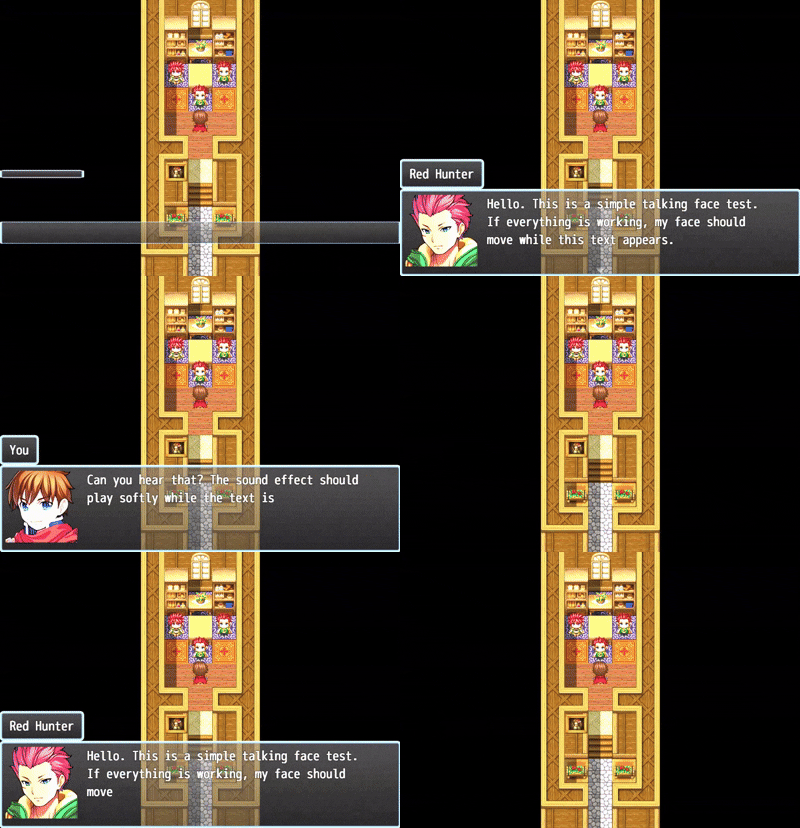
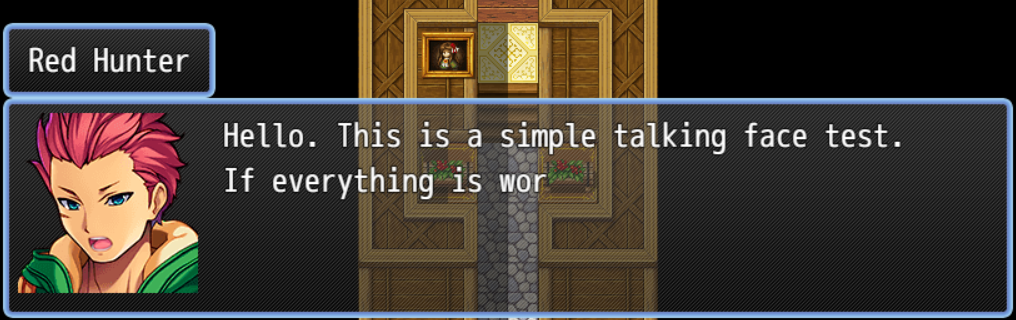
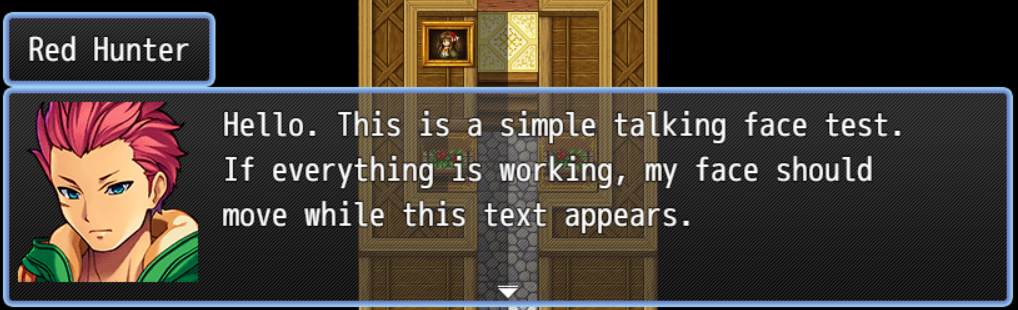
The plugin works directly with the normal Show Text command. When a message is being typed, the selected face automatically switches between its normal version and a matching _talk version, creating a simple animated speaking effect.
The plugin can also play a short typing sound while the text appears, making conversations feel closer to a retro RPG without changing the way RPG Maker MZ handles messages.
No script calls are required.
FEATURES
- Animated message faces
- Uses the default RPG Maker MZ face system
- Automatically detects matching _talk face files
- Optional typing sound effect
- No script calls required
- No external plugins required
- Lightweight and easy to use
- Works with the normal Show Text command
INSTALLATION
1. Extract the downloaded file.
2. Copy the plugin file to:
js/plugins/
3. Open your project and go to:
Tools → Plugin Manager
4. Add:
[DAN] Talking Faces
5. Turn the plugin ON.
DOWNLOADS
The download section includes:
- Plugin File — The standalone plugin
- Sample Project — Example RPG Maker MZ project demonstrating the system
HOW TO USE
Use the normal RPG Maker MZ Show Text command.
No script call is required.
Example
If your message uses this face file:
img/faces/Actor1.png
Create a matching talking version:
img/faces/Actor1_talk.png
Then use the normal Show Text command:
Show Text:
Face: Actor1
Text: Hello there.
      My face should move while this message is being typed.
- Normal Face → The face selected in Show Text
- Talking Face → Same file name with _talk added
- Typing Sound → Optional SE from audio/se/
- Plugin Commands → Enable or disable only the typing sound
FACE FILE SETUP
Face files are automatically loaded from:
img/faces/
Example:
img/faces/Actor1.png
img/faces/Actor1_talk.png
Both files must use the standard RPG Maker MZ face sheet format:
- 4 columns x 2 rows
- 8 faces total
- 144 x 144 pixels per face
- Same face slots in both files
TYPING SOUND
The plugin can play a short SE while the text is being typed.
Default sound:
Cursor3
Recommended settings:
Typing Sound SE: Cursor3
Typing Sound Interval: 6
Typing Sound Volume: 25
Typing Sound Pitch: 100
PLUGIN COMMANDS
The talking face animation is automatic whenever a matching _talk file exists.
The plugin commands only control the typing sound:
EnableSound
DisableSoundDownload
Click download now to get access to the following files:

Leave a comment
Log in with itch.io to leave a comment.